Supportive seating
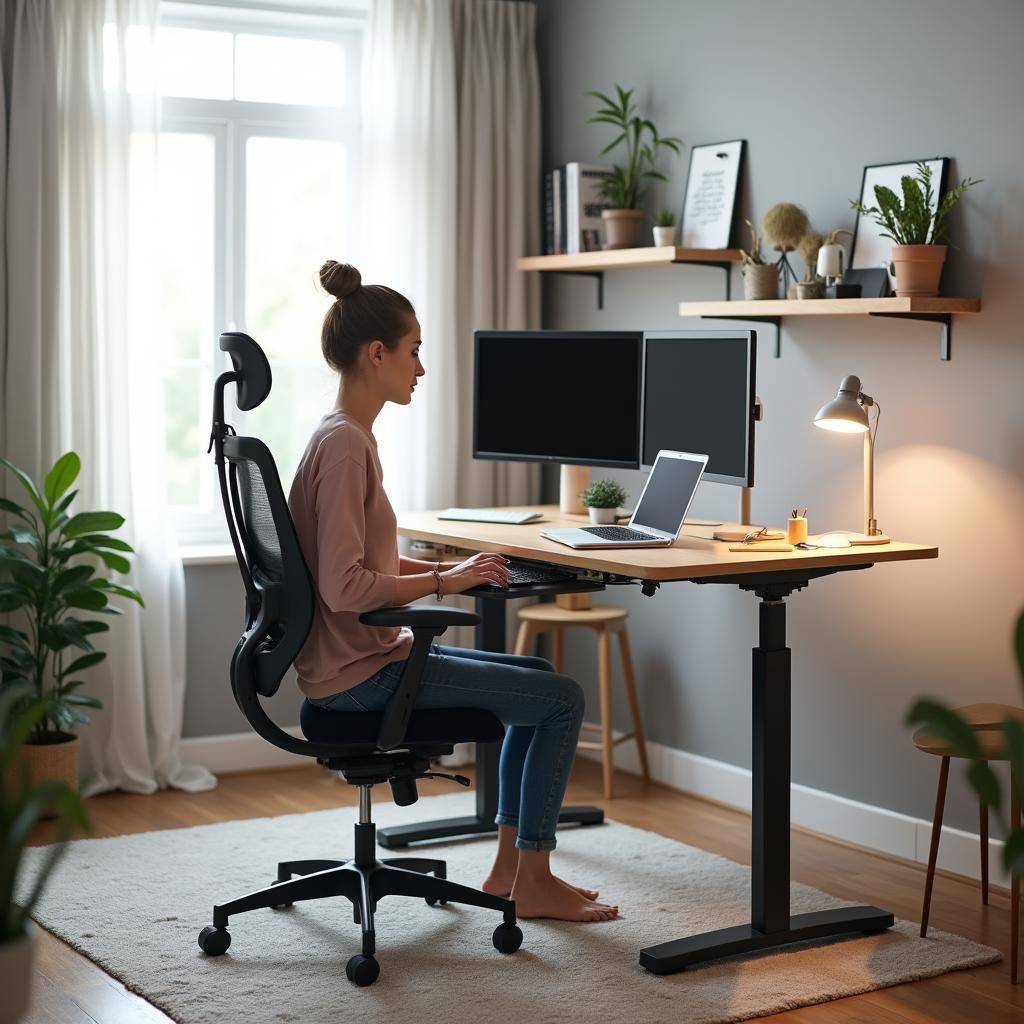
A chair that lets your back rest naturally and your feet reach the floor gives the rest of your setup a stable starting point.
Ergonomics is simply the study of fitting work to the person rather than the other way around. This page shares general informational ideas you can reflect on; it does not offer medical advice or address any health condition.
A chair that lets your back rest naturally and your feet reach the floor gives the rest of your setup a stable starting point.
Placing the screen so your gaze falls slightly downward helps keep the neck relaxed through a long stretch of work.
Keeping the keyboard, mouse, and frequently used items within an easy arc reduces repeated stretching across the day.
No position is ideal for hours. Gentle, frequent changes of posture are usually more valuable than any single perfect setup.
Ergonomics is often reduced to slogans. In practice it is more nuanced, and a little context helps you make your own choices with confidence.
These are general suggestions, not prescriptions. Adapt anything to suit your own day, and pause anything that does not feel right for you.
Every so often, let your eyes settle on something further away for a short moment before returning to the screen.
Shift how you sit, stand for a short call, or simply roll your shoulders to break up long periods in one position.
Use natural breaks, such as fetching water, as small cues to stretch your legs and reset your posture.
At the end of the day, return frequently used items to within easy reach so tomorrow starts a little more comfortably.
Years of observing real workspaces across different sectors shape the practical, grounded tone of everything we share.
We lean on widely published workplace guidance and standards, and we are clear about where general advice should give way to a professional.
We say plainly when something falls outside our scope. Trust, for us, includes knowing what not to claim.
The information on this page is general and educational. It is not medical advice and is not intended to diagnose, treat, or address any condition. If you have specific concerns about comfort or wellbeing at work, please speak with a suitably qualified professional.
Reading about ergonomics is a start. If you would like notes tailored to your actual setup, a review turns these general principles into specific, optional suggestions.